
How to Use GMRS Repeaters the Right Way

If your handheld works fine across a parking lot but drops out a few miles away, the issue usually is not the radio. It is coverage. That is exactly where learning how to use GMRS repeaters matters. A properly programmed repeater channel can extend your usable range, improve reliability in mobile operation, and connect you with active local operators instead of leaving you limited to radio-to-radio simplex.
What a GMRS repeater actually does
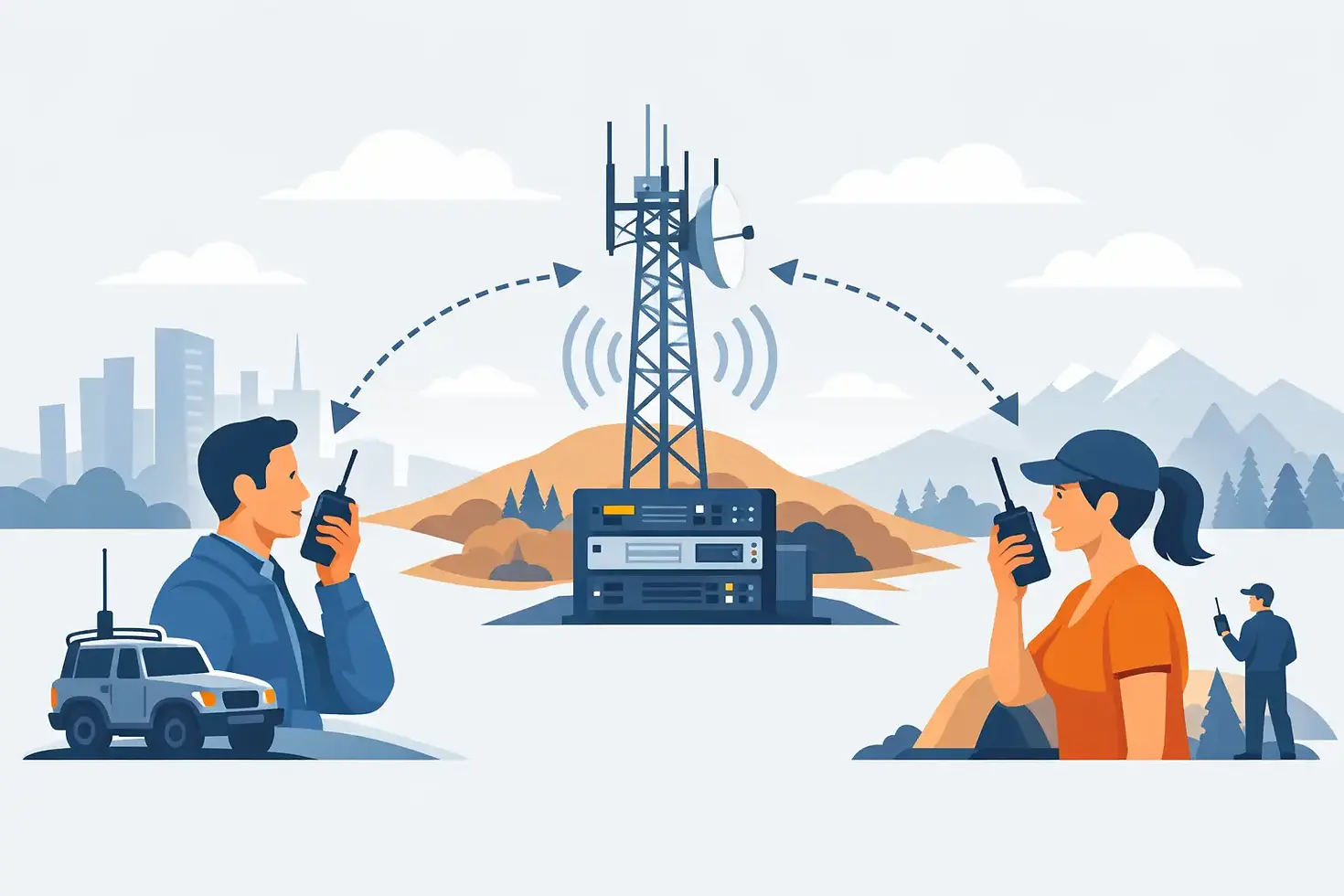
A GMRS repeater is a fixed station that listens on one frequency and retransmits your audio on another at higher power and from a better location. In practical terms, your handheld or mobile radio sends a signal up to the repeater, and the repeater sends your transmission back out over a wider area.
That wider footprint is the whole point. In a place like South Florida, flat terrain helps, but buildings, vehicles, and indoor operation still affect signal quality. A well-placed repeater can give you area coverage that simplex often cannot match. It also creates a shared operating point where local users can monitor, call, and coordinate.
Licensing comes first
Before you get on a GMRS repeater, make sure you are operating under a valid GMRS license. In the United States, GMRS requires an FCC license. You do not need to pass an exam, but you do need the license before transmitting.
That part is simple, but it matters because repeater use is not casual FRS-style operation. Once you are on GMRS, you are in a licensed service with specific channels, power limits, and operating expectations. If you are joining an established repeater system, there may also be club or owner rules in addition to FCC requirements.
How to use GMRS repeaters step by step
Most of the confusion around repeater operation comes down to programming. If the channel, offset, or tone is wrong, you may hear the repeater but still be unable to access it.
Start with the correct repeater channel
GMRS repeaters use the eight designated repeater input and output channel pairs. On most radios, these are labeled as repeater channels rather than shown only by raw frequency. Your radio may list them as channel numbers, receive and transmit frequencies, or named memory slots.
The key detail is that a repeater channel uses one frequency to listen and another to transmit. On GMRS, the standard split is 5 MHz. Your radio handles this automatically if it has proper GMRS repeater channel support, but not every radio menu presents it clearly.
If you program manually, confirm both sides of the pair. If you import from software, still verify the settings before transmitting. Many operating problems start with one mismatched field in a memory channel.
Set the correct tone
Most GMRS repeaters require a CTCSS or DCS access tone. This tone does not make your signal stronger. It simply tells the repeater to respond to your transmission instead of ignoring it.
This is where newer operators often get tripped up. There are usually two tone settings to think about. The transmit tone is what opens the repeater. The receive tone, if used, filters what your speaker hears. To access the repeater, the transmit tone is the critical setting.
If the repeater listing says it uses a tone of 141.3, that usually means your radio must transmit that tone. Whether you also set the receive tone depends on how you want the channel configured. Some operators prefer carrier squelch on receive so they can hear all activity and troubleshooting clues. Others use tone squelch for a quieter channel.
Save it as a clean memory channel
Once the repeater is working, save it in memory with a useful label. Do not leave it as a temporary VFO experiment if you plan to use it regularly. A good memory name should tell you what the channel is without forcing you to remember every setting.
For example, use a format that identifies the area or repeater name. If you travel between counties or operate with multiple local systems, organized channel naming saves time and reduces mistakes.
Making your first call on a repeater
Once your radio is programmed, keep your first transmission simple. Listen first. If the repeater is active, wait for a break. If it sounds clear, key up, pause for about a second, and give your call sign with a short call such as saying you are monitoring or asking for a radio check.
That pause matters more than many people realize. Some repeaters have a slight delay before they fully key up. If you start speaking the instant you press the PTT, the first part of your audio may get clipped.
A basic first call sounds something like this in practice: your call sign, then "monitoring," or your call sign requesting a radio check. Keep it brief. Long introductory transmissions are not necessary.
Operating habits that make repeaters work better
Good repeater use is less about sounding polished and more about being clear, efficient, and aware of shared system use. A few habits go a long way.
Identify with your FCC call sign as required. Speak at a normal pace and hold the radio consistently. Leave a short pause between transmissions, especially during a QSO, so other stations can break in and the repeater has time to reset properly.
If the repeater has a courtesy tone or squelch tail, learn its rhythm. That sound tells you something about timing and system behavior. On busy systems, it also helps avoid doubling, where two users transmit over each other.
Keep in mind that a repeater is shared infrastructure. Extended monologues, hot-mic handling noise, and constant kerchunking without identification are bad operating practice. Brief testing is one thing. Repeated key-ups with no voice traffic are another.
Access does not always mean open use
One practical point about how to use GMRS repeaters is that technical access and permission are not always the same thing. Some repeaters are open to licensed GMRS users. Some are private, member-supported, or limited to approved operators.
That distinction matters. If a repeater is part of an organized local system, the owner or club may publish operating guidelines, usage priorities, and access requirements. Those rules are not just formality. They protect system reliability and support the community that maintains the site, hardware, and ongoing operations.
If you are unsure whether a repeater is open, ask before using it regularly. That is standard radio courtesy and usually the fastest way to connect with the local operating community.
Troubleshooting when the repeater will not respond
If you can hear the repeater but it will not key up from your radio, check the transmit tone first. That is the most common issue. After that, confirm the repeater channel pair and make sure your radio is actually set for repeater operation rather than simplex on the output frequency.
If you cannot hear anything at all, the problem may be range, antenna, building loss, or a system that is temporarily offline. Handhelds inside vehicles or concrete buildings often struggle more than users expect. Move outside, gain elevation if possible, or try from a vehicle-mounted antenna.
Audio quality is another separate issue. If users say your signal is noisy or low, the repeater may be hearing you weakly even though you can hear it well. Repeater coverage is not always symmetrical. Hearing the machine does not guarantee the machine hears you back.
Battery condition, antenna quality, and radio programming software errors all come into play. This is one reason organized local groups are useful. Experienced operators can usually identify whether the issue is tone, offset, location, or equipment in a few minutes.
How local conditions affect repeater performance
There is no universal answer for range because repeater performance depends on location, antenna height, system design, terrain, and congestion. In a metro area, a high-site repeater may provide broad mobile coverage while still leaving gaps indoors or behind dense construction.
That is why expectations should stay realistic. A repeater improves communication, but it does not eliminate physics. A handheld with a stock antenna from inside a reinforced building is still a handheld with a stock antenna from inside a reinforced building.
The better approach is to treat repeaters as infrastructure, not magic. Learn which systems cover your home, commute, event locations, and typical operating areas. In Miami-area use, local knowledge is often more valuable than spec-sheet assumptions.
Using repeaters as part of a real operating routine
Repeaters are most useful when they become part of regular operating, not just something you test once and forget. Monitor local activity. Join scheduled nets if the system supports them. Use the repeater for practical check-ins, travel coordination, event support, and community traffic.
That routine is where operating confidence develops. You stop thinking only about menu settings and start understanding timing, etiquette, coverage patterns, and who is active locally. For clubs and organized groups such as Unified Radio Group, that active participation is what turns radio ownership into real communications capability.
A good repeater is more than a coverage tool. It is a meeting point on the air. Program it correctly, use it with discipline, and spend enough time listening to learn the local rhythm before you key up.


Comments